
 Español
 Português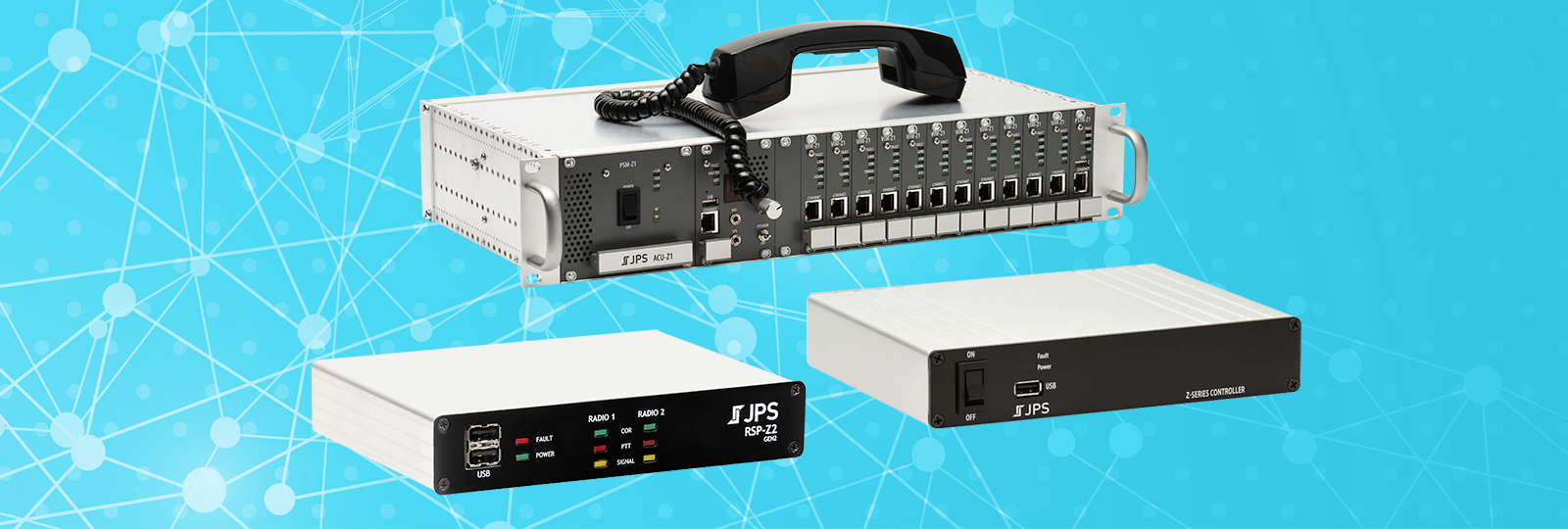
Z-Series 4.9.0 Introduces DFSI and Supports New Hardware Platform
JPS Z-Series software continues to improve and add features. Release 4.9.0 includes an initial rollout of DFSI, Talker Id display, a SIP RX Sensitivity feature, and support for updated RSP-Z2™ hardware.
Initial DFSI Rollout
JPS begins its initial rollout of DFSI (Digital Fixed Station Interface) support. Prior to software release 4.9.0, P25 systems were typically interfaced to JPS gateways by means of a donor radio. Communicating with P25 systems over a network wasn’t possible because of the patented encoding used. The addition of DFSI to JPS gateways changes that, making network communications possible – no donor radio needed.
What is DFSI? DFSI is a standard used to connect to radios and radio systems over an IP network. It’s often available on P25 radio systems as a means of interacting with consoles, repeaters, etc.
RSP-Z2
The RSP-Z2 most capitalizes from the addition of DFSI because of its small size and large versatility. It’s already quite common for RSP-Z2s to interface P25, but they have had to do so using a donor radio. With DFSI, there is no donor radio. Additionally, digital DFSI can include Talker Id, which can be displayed in the RSP-Z2 user interface. Talker Id can also be sent to and received from several other communications systems. These include several Push-to-Talk over Cellular (PoC) services.
Still More to Come…
We’ll be sharing more about DFSI on all Z-Series devices in the new year. Until then, here are five basic facts about DFSI on the Z-Series.
- DFSI is a widely accepted standard protocol that can be used to interface a P25 system without the need for a donor radio or co-location with a console.
- Digital DFSI can include metadata such as Talker Id.
- DFSI is a licensable feature on the RSP-Z2 and the ACU-Z1.
- It is not licensable on the Z-Series Controller™, but a Z-Series Controller can manage DFSI settings and DFSI resources on its Unity-managed RSP-Z2s.
- Digital DFSI on the Z-Series requires an encoding/decoding dongle plugged into the USB port on the RSP-Z2 or on the card (not CPM) installed in the ACU®-Z1™.
Want to learn more today? Contact JPS Sales for additional information. Download our JPS Z-Series DFSI Setup Guide.
Also in Z-Series Software Release 4.9.0
Several resource types on the Z-Series support carrying and displaying Talker Id when the resource is receiving audio. In other words, the resource will show who is actually speaking (whose device is being used to communicate). The Z-Series can now display the Talker Id locally for those resource types in the user interface and can pass it to resources capable of accepting it.
Accompanying the addition of DFSI is an Operator Action for changing a DFSI channel on a resource. Like other Operator Actions, an operator can execute the configured action from the Home page.
New RX Threshold and RX Hangtime settings for SIP resources were added to assist when audio from a remote SIP device is consistently too noisy or too quiet. These settings can help improve audio detection by reducing false detections caused by noise or delayed audio detection caused by quiet audio.
New RSP-Z2 Hardware

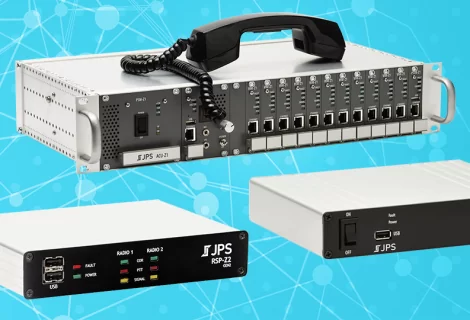
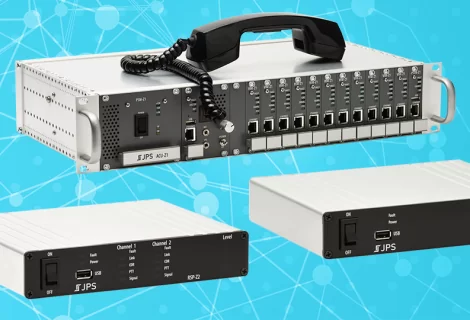
The RSP-Z2 has been widely adopted and proven itself in the world of interoperability gateways. To help ensure its longevity and avoid part obsolescence, we have updated its hardware. The new RSP-Z2 hardware is smaller, more portable, and even more ready to support the features that have made the RSP-Z2 so popular. Release 4.9.0 is the first release that includes support for this second-generation RSP-Z2 hardware.
What does new RSP-Z2 hardware mean for existing Z-Series systems? New RSP-Z2s can be used alongside first-generation hardware without problem. You can still manage either hardware version RSP-Z2 from the Z-Series Controller using Unity, download and install the same software updates, etc. What you will notice is a few user-friendly touches like moving both USB ports to the front so they’re more accessible, making the overall unit smaller, and making the front panel indicators easier to see.
Learn More and Update Software
Visit support.jps.com to view/download updated Z-Series software documentation.
Download and install the 4.9.0 software/firmware for the RSP-Z2, Z-Series Controller, and the ACU-Z1