
 Español
 Português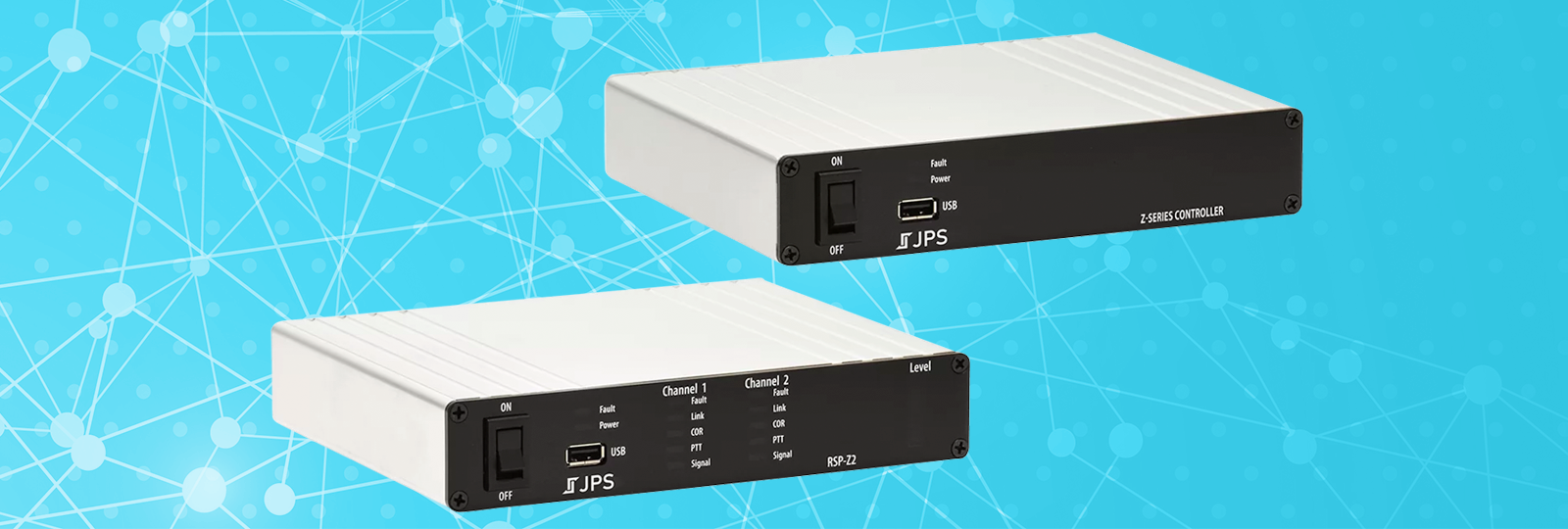
Z-Series Software Release 4.5.0 – ESChat, Tone Keying, and More
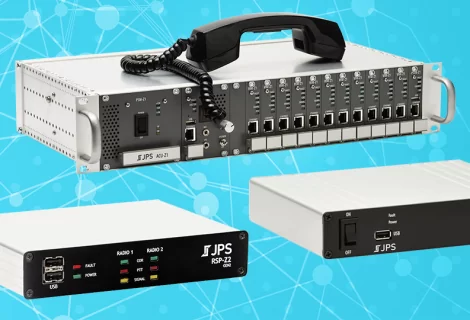
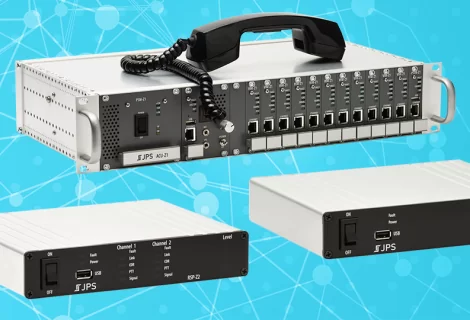
Native ESChat, Tone Keying, Certificate Management, and improved Resource-Specific Help are now live in Z-Series software release 4.5.0 for the RSP-Z2 and the Z-Series Controller.
You’ve been finding new ways of using Radio interoperability and Push-to-Talk over Cellular (PoC) together, so we’re concentrating this release of the Z-Series software on improving your experience with them on our RSP-Z2 and Z-Series Controller gateways.
ESChat and JPS VIA
It hasn’t been much of a secret that ESChat and JPS VIA were configured as JPS RoIP streams in the past – and you can still do that if you prefer. However, ESChat and JPS VIA are also now native resource type in the RSP-Z2. This provides ESChat and JPS VIA resource users the benefits of:
- Simplified configuration
- Easier network setup
- Direct encryption to the ESChat server
- Better presence detection
With this native integration, when you set up your ESChat or JPS VIA resource on the RSP-Z2, you’ll only need to enter your Activation Code to get started.


Tone Keying
EIA Tone Keying and Idle Tone have been a part of the LMR radio landscape for decades, and those of you who use them rely on them. That’s why we’re including EIA Tone Keying and Idle Tone transmission capability in this release.
EIA Tone Keying has the option for an extended 2175 Hz alert tone for radios that have trouble detecting an initial alert tone. The subsequent EIA Function Tone is configurable. When using Idle Tone, you can choose between 2175 Hz or 1950 Hz.

Certificate Management
Like any modern devices that must connect over a network, the RSP-Z2 and Z-Series Controller use certificates to verify the identity of their connections. This is standard, secure behavior and done to avoid illegitimate or bad actors.
Fortunately, from the perspective of most users, certificate management is handled behind the scenes and something they never have to think about. Some systems or specialized installations, however, might require a special root certificate, and most PoC applications require certificates because they’re encrypted. For those rare cases where you need or want to intervene in automatic certificate management, we’re providing a way for you to do so directly from the user interface.

Resource Type Guides
Any user can click Resource Guides in the Help menu to display a crash course in the resource types on the RSP-Z2 and the Z-Series Controller.
Learn the basics like what you might use the resource to connect to – SIP system, radio system, PoC app talkgroup, etc. Get an idea of how to configure the resource, or whether you need user credentials, for instance. See some common troubleshooting suggestions for audio quality or connection problems. And learn where additional resource-specific documentation or support is available.
These Resource Type Guides open in the Help panel of the user interface so you can continue to work while reading.

ESChat, JPS VIA, and Tone Keying with the Z-Series Controller
Since the Z-Series Controller does not have Radio or Push-to-Talk over Cellular (PoC) resources itself, you may be worried you can’t access these technologies. However, if you’re using your Z-Series Controller to manage distributed RSP-Z2s, built-in Unity gives you access to your RSP-Z2 resources directly from the Z-Series Controller’s user interface.

Download Software Version 4.5.0
You can download software version 4.5.0 for the RSP-Z2 and the Z-Series Controller completely free of charge.